
Workspaces and spaces
A workspace is the shared home for an organization or your own practice. A space is a place within it for a team, cohort, course, class, or study group.
Choose the right workspace
Section titled “Choose the right workspace”Every organization has its own workspace, and so does your personal learning. The mode of a workspace changes its terms, not its structure.
Use the workspace menu at the top of the sidebar to switch between workspaces you belong to. Check the name before you create or share content.
Your access can differ between workspaces. Being an admin in one workspace does not give you that role in another.
Use spaces for shared work
Section titled “Use spaces for shared work”Spaces let an author share activities with a team, cohort, course, class, or study group. A reusable activity can be assigned to more than one space, with its own assignment settings in each.
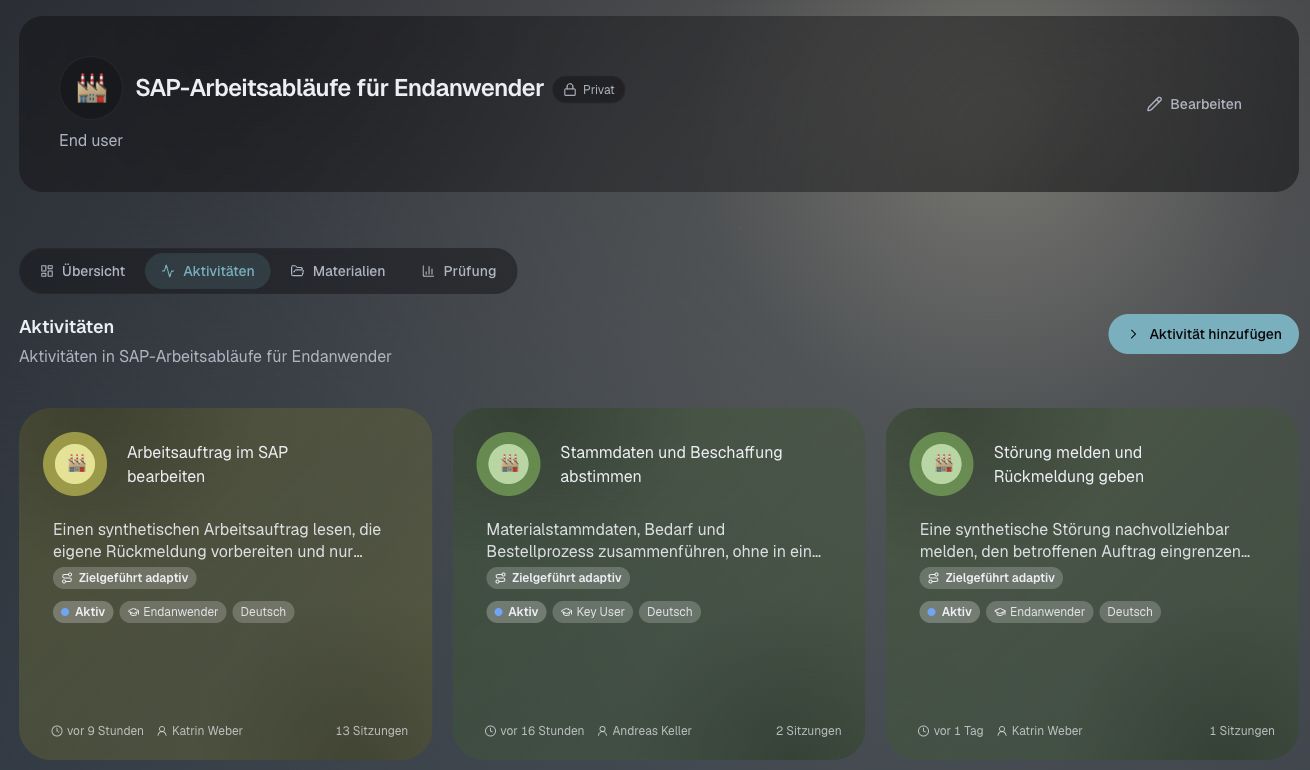
Give spaces clear names so people can find their group. When sharing an activity, check the chosen space and audience before confirming.
Check who can do what
Section titled “Check who can do what”Your workspace’s mode is separate from your role. Choosing Business does not make everyone a manager, and choosing School does not make everyone a teacher.
The app shows tools based on a person’s role and access. Workspace owners and admins have management tools that other members may not see.
If someone is missing a space or action, check their account, workspace membership, and access to that space. Sharing a link alone does not grant access.
Help someone join
Section titled “Help someone join”When you have permission, choose Invite Members in the workspace menu, or use People in the sidebar. Ask the recipient to open it with the intended account.